¿Qué herramientas necesita un creador de Instagram en 2026?
Este artículo contiene enlaces de afiliados de Amazon. Si compras a través de uno, GridPeek puede ganar una pequeña comisión sin costo adicional para ti. Solo recomendamos cosas que le diríamos a un amigo que comprara.
Respuesta corta: la mayoría de los creadores de Instagram necesitan tres cosas. Una forma de planificar la cuadrícula antes de publicar, una forma de que cada publicación se vea consistente y un sistema de hashtags al que se mantengan fieles. Casi todo lo demás en una lista típica de "herramientas para creadores" es opcional, y buena parte se compra antes de identificar el verdadero cuello de botella.
En GridPeek construimos herramientas exactamente para este flujo de trabajo, así que esto no es la mirada neutral de alguien de afuera. Está moldeado por observar dónde se atascan las personas de nuestra propia base de usuarios. Aquí va el desglose, en el orden en que se lo diríamos a un amigo.
¿Qué deberías arreglar primero: la planificación, la edición o el volumen de publicaciones?
Casi siempre la planificación. Si tu cuadrícula se ve inconsistente, casi nunca es un problema de talento. Es que la primera vez que alguien ve cómo quedan nueve publicaciones una junto a otra es después de que ya están publicadas. Un planificador de cuadrícula resuelve eso antes de que publiques nada, y es gratis. Ese es el paso de mayor impacto y menor costo, y es el que la gente se salta porque parece un "capricho" en vez de una herramienta necesaria.
La consistencia en la edición (gradación de color, ubicación del logo, reutilización de plantillas) es el segundo vacío más común, y ahí es donde las herramientas de pago empiezan a justificar su precio. Mira la sección de Canva más abajo.
El volumen de publicaciones y la programación solo se vuelven un cuello de botella real cuando manejas más de una cuenta o publicas a diario en varios formatos. Si todavía no es tu caso, sáltate esa categoría por ahora.
¿Vale la pena un curso o libro de Canva?
Si ya pasas horas a la semana en Canva y tus publicaciones siguen viéndose inconsistentes de una a otra, sí. La solución casi nunca es una herramienta nueva, sino no saber que Canva tiene funciones de kit de marca y reutilización de plantillas.
Canva for Beginners & Social Media cubre exactamente eso: construir plantillas reutilizables y un kit de marca para que las publicaciones dejen de verse como piezas sueltas. Combina bien con el planificador de cuadrícula de GridPeek: primero planificas el orden, luego usas un sistema de plantillas consistente para que cada casilla individual encaje con el conjunto.
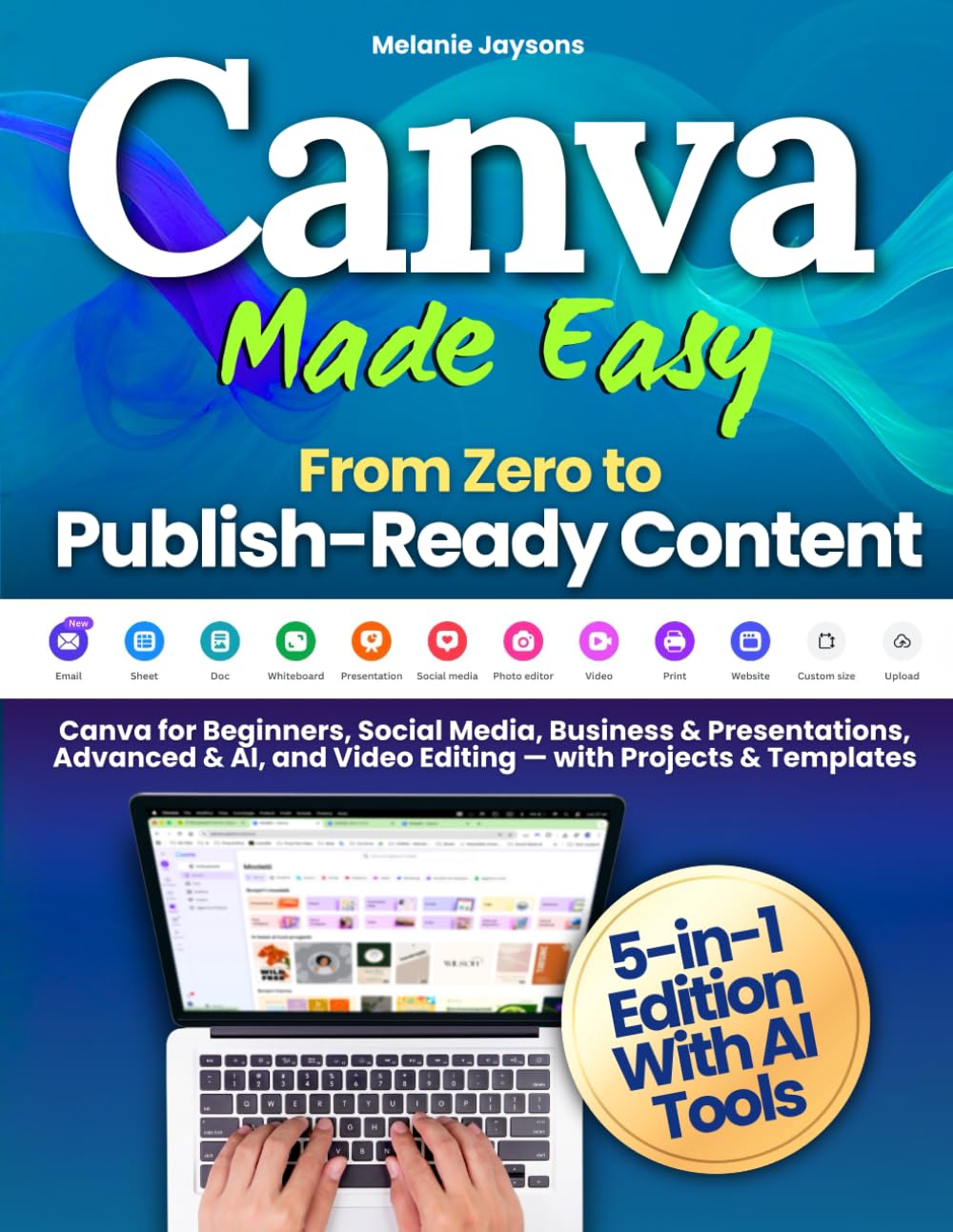
Para quién es: personas que diseñan sus propias publicaciones y pueden señalar una inconsistencia concreta (tipografías, colores, ubicación del logo) en sus últimas 10 publicaciones. Si no puedes señalar eso, todavía no lo necesitas.
Lo que todavía falta en esta lista
No vamos a rellenar este artículo con categorías que no hemos evaluado personalmente. Esto sigue en revisión, y lo agregaremos con recomendaciones concretas una vez probadas, no con enlaces de búsqueda genéricos:
- Herramientas de IA para generar ideas de contenido y descripciones en volumen
- Software de edición de foto y video más allá de la edición nativa del teléfono
- Herramientas de programación para publicar en varias cuentas
- Recursos de analítica y crecimiento para entender los patrones de alcance
El stack gratuito que hay que agotar antes de comprar algo
- Planificador de cuadrícula de Instagram: organiza y previsualiza el diseño de tu feed antes de publicar nada.
- Divisor de imágenes: convierte una foto en un carrusel de varias casillas.
- Herramienta de marca y marca de agua: añade el logo como marca de agua en tu contenido.
- Generador de hashtags: arma conjuntos de hashtags de nicho (mira nuestra guía completa de estrategia de hashtags).
Preguntas frecuentes
¿Necesito software de pago para crecer en Instagram en 2026?
No. Planificar la cuadrícula, dividir imágenes, poner marca de agua y generar hashtags (las cuatro cosas que definen qué tan profesional se ve tu feed y qué tan fácil es descubrirte) se pueden hacer gratis. Las herramientas de pago importan para el volumen y la velocidad, no para lo básico.
¿Cuál es la compra de mayor impacto para un creador con presupuesto ajustado?
Un recurso de diseño como la guía de Canva mencionada arriba, pero solo después de haber superado lo que dan las herramientas gratuitas de planificación de cuadrícula y hashtags. Comprarlo antes de tiempo solo retrasa las soluciones gratuitas que importan más.
¿Cómo deciden qué entra en esta lista?
Solo agregamos algo cuando podemos señalar el problema concreto que resuelve para los creadores de nuestra propia base de usuarios, y enlazamos a la página real del producto, no a un resultado de búsqueda genérico, para que la recomendación se pueda verificar.
About the author
GridPeek Team
El equipo de GridPeek crea herramientas gratuitas que funcionan directamente en el navegador para creadores de Instagram (planificación de cuadrícula, división de imágenes, marcas de agua, eliminación de fondos, generación de hashtags, desenfoque de imágenes y vista previa de foto de perfil), y comparte recursos y artículos prácticos para ayudar a los creadores a crecer.
Suite de Herramientas Relacionadas
Crea un Flujo de Contenido Completo para 2026
¿Necesitas herramientas relacionadas? Usa este conjunto conectado para planificar tu cuadrícula, dividir imágenes para carruseles, poner marca de agua a tu contenido, eliminar fondos de logos, generar hashtags y difuminar detalles sensibles con una experiencia pensada para creadores.